
Introduction
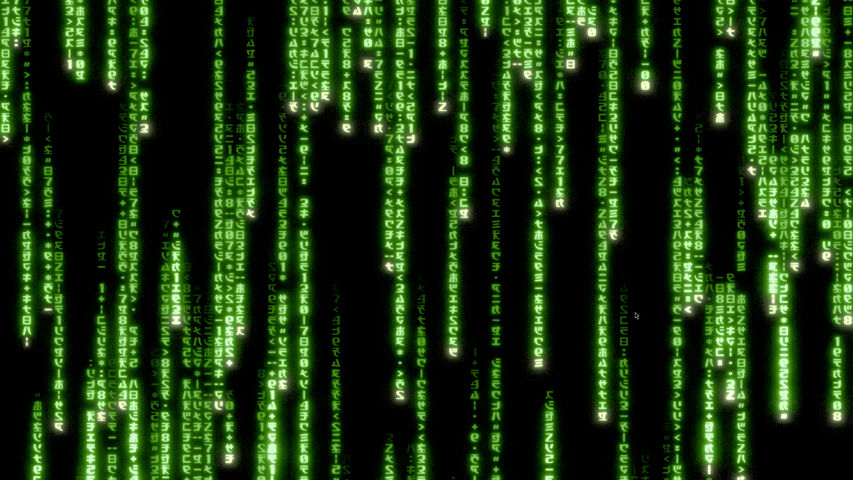
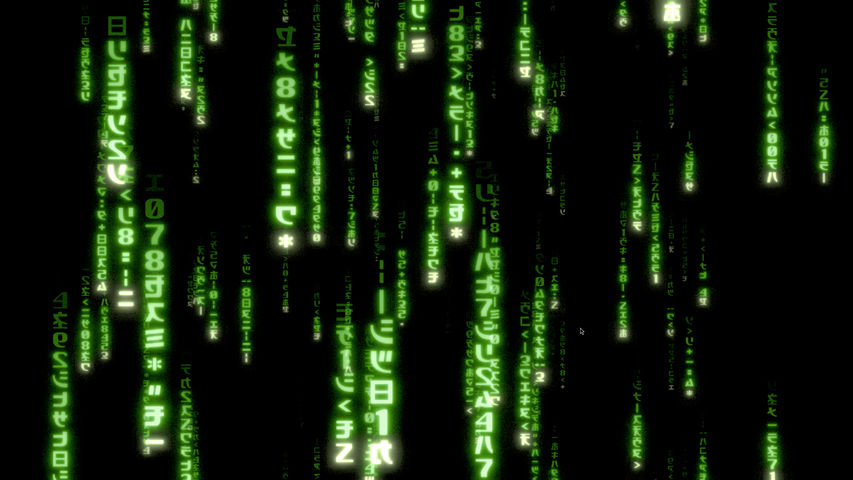
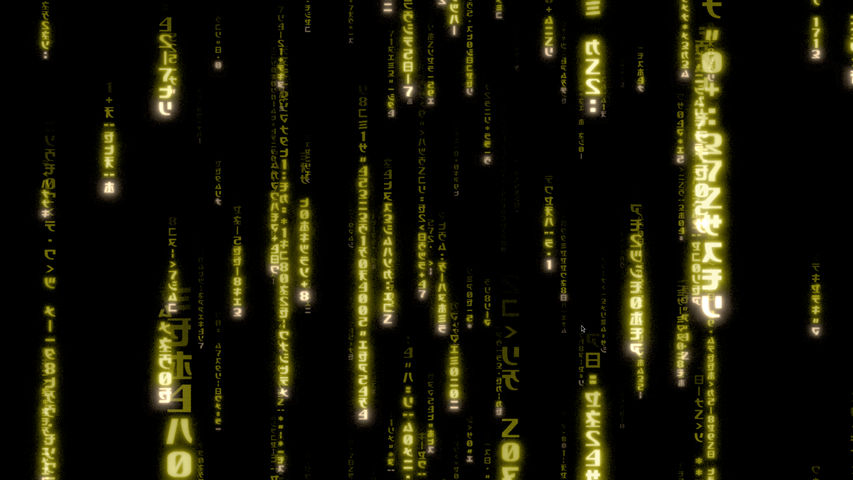
Matrix Screensaver is a native GPU-accelerated Matrix rain screensaver for Linux, Windows, and macOS. It is written in Rust and renders its animation entirely on the GPU using wgpu.
It includes modern 3D rain with perspective and depth, plus classic 2D rain inspired by the traditional Matrix effect. All shaders, glyphs, and other required assets are embedded in the application, so it works without an internet connection.
Features
- Choose between modern 3D rain and classic 2D rain.
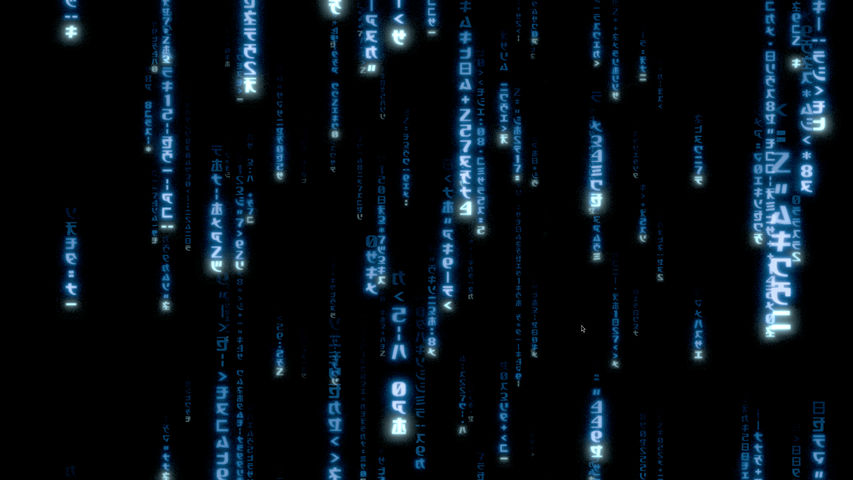
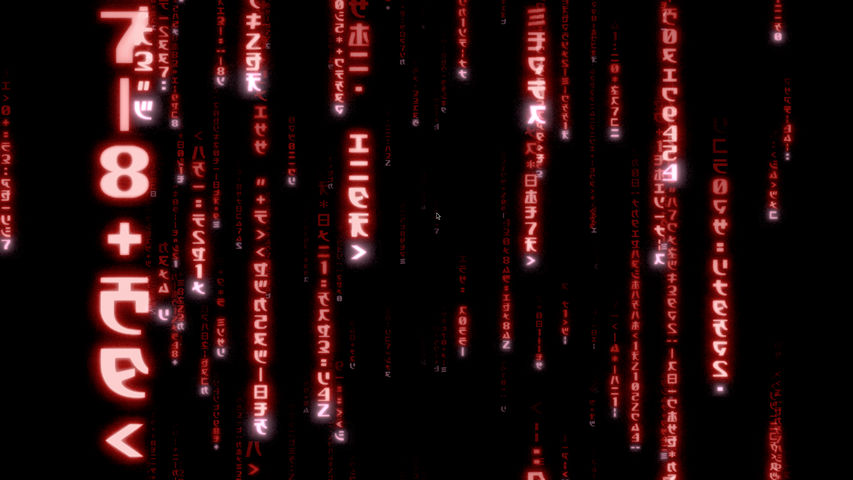
- Select green, blue, red, yellow, purple, or orange rain.
- Adjust the frame rate from 1 to 60 FPS.
- Set the internal render scale from 0.25 to 1 to balance visual quality, GPU usage, and power consumption.
- Display the screensaver across every active monitor.
- Exit automatically when keyboard, mouse, scroll, touch, or focus activity is detected.
- Run on Wayland and X11 under Linux.
- Configure settings through native options interfaces on Windows and macOS.
- Run completely offline with embedded shaders and a bundled Matrix glyph atlas.
Usage
- On Linux, run
matrix-screensaverto open a resizable preview window or usematrix-screensaver --screensaverfor full-screen output on every active monitor. - Select an effect with
--type modernor--type classic, and choose a palette with options such as--color greenor--color blue. - Adjust performance and quality with
--fps 1..60and--render-scale 0.25..1. - On Windows, select Matrix Screensaver in
Screen Saver Settings, then openSettingsto configure the effect, color, frame rate, and render scale. - On macOS, select Matrix Screensaver under
System Settings > Screen Saver, then openOptionsto configure and save the same visual settings.
Supported platforms
- Windows: x86_64 native
.scrscreensaver package. - Linux: x86_64 native binary archive with Wayland and X11 support.
- macOS: Universal
.saverbundle supporting Apple Silicon and Intel Macs.