

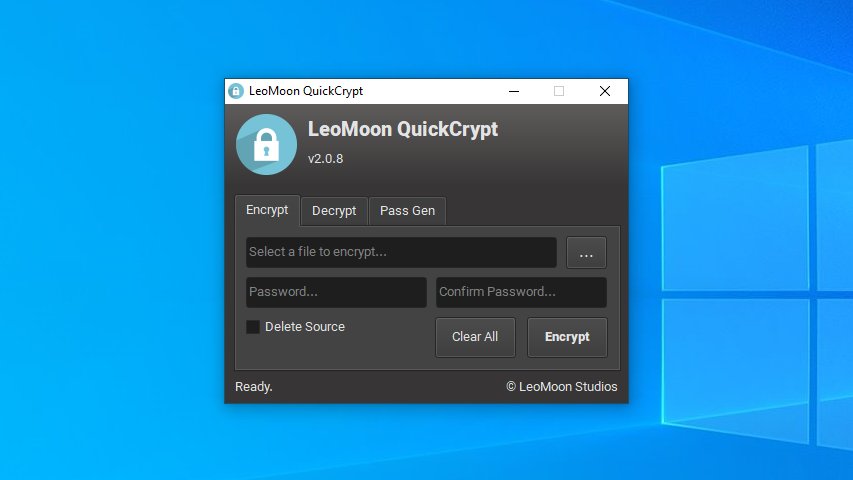
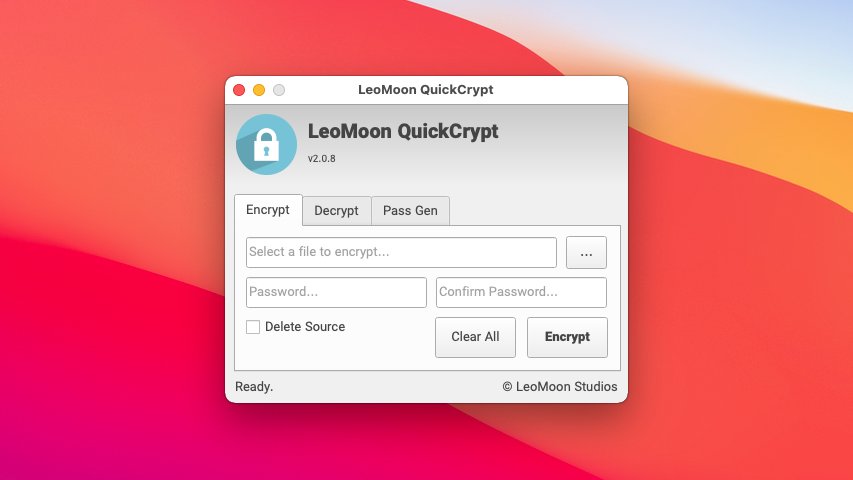
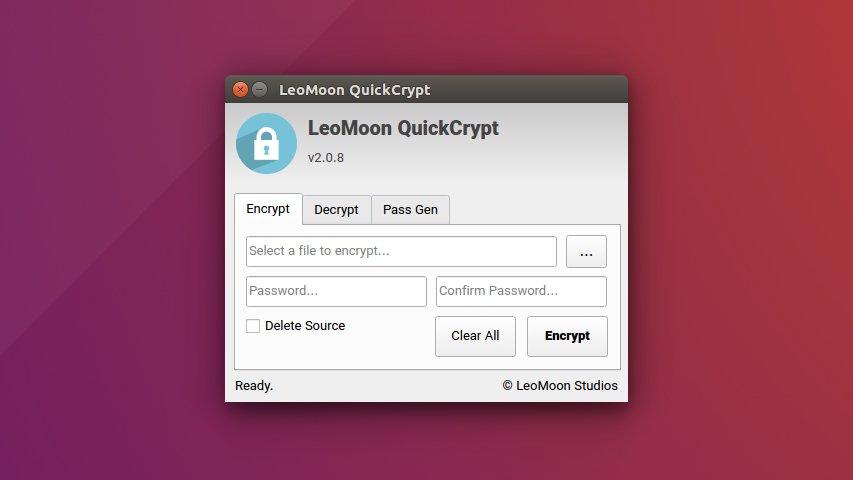
Introduction
LeoMoon QuickCrypt is a desktop file-encryption application and password generator. It uses the AES Crypt version 2 file format through pyAesCrypt, with AES-256-CBC encryption, to create encrypted files that can be opened on Windows, Linux, and macOS.
The application is being modernized as a cross-platform Python and Qt 6 project. It supports Windows, macOS, and Linux with a shared codebase and native release packages for each platform.
Features
- Encrypt and decrypt files in the AES Crypt version 2 format.
- Drag a file into the window or choose one with the file picker.
- Optionally remove the original file after a successful encryption or decryption.
- Generate passwords with configurable length, letter case, numbers, and special characters.
- Light and dark themes that follow the operating system preference, with
Ctrl+Mto toggle the theme. - Windows Explorer context-menu actions for encryption and decryption.
- Bundled Vazir fonts and a native application icon.
Usage
- Download the package for your computer from the GitHub releases page . Windows provides x64 and ARM64 installers, Linux provides x86_64 and ARM64 AppImages, and macOS provides an ARM64 DMG.
- Open LeoMoon QuickCrypt and select the Encrypt or Decrypt tab.
- Choose or drag in a file, enter its password, then select Encrypt or Decrypt.
- Use the Password Generator tab when you need a new password. Store the password safely: encrypted files cannot be recovered without it.
On Windows, the installer also adds Encrypt with LeoMoon QuickCrypt and Decrypt with LeoMoon QuickCrypt to the Explorer context menu for files.
Security
QuickCrypt uses pyAesCrypt’s AES Crypt version 2 implementation with AES-256-CBC encryption. Use a long, unique password and keep it in a password manager. Encryption does not make a weak or reused password safe, and forgotten passwords cannot be reset or recovered.
Supported platforms
- Windows: x64 and ARM64 Inno Setup installers.
- Linux: x86_64 and ARM64 AppImages.
- macOS: one Apple Silicon (ARM64) DMG.