


LeoMoon CPU-V
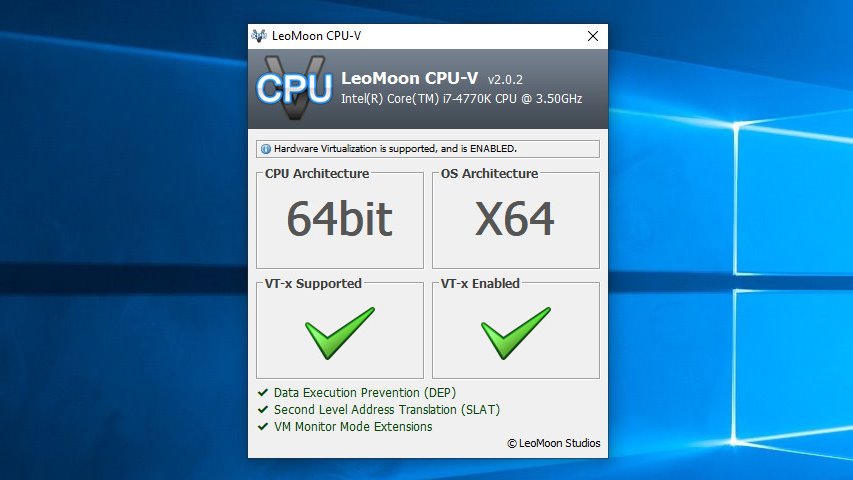
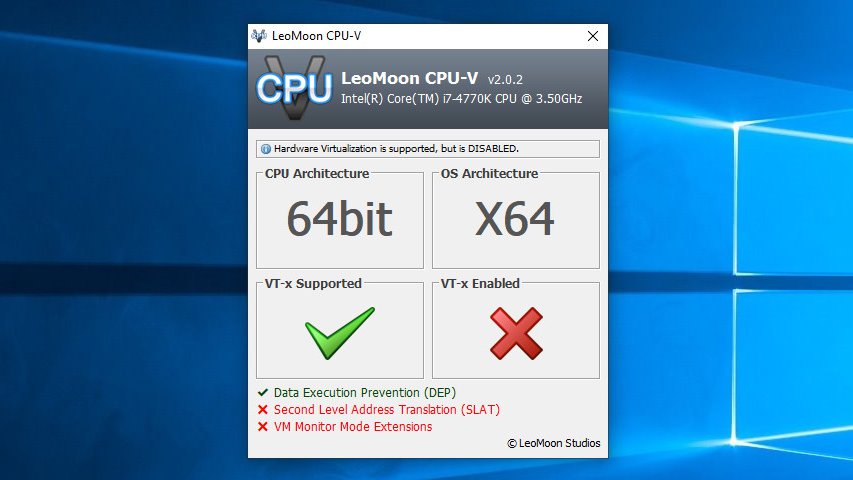
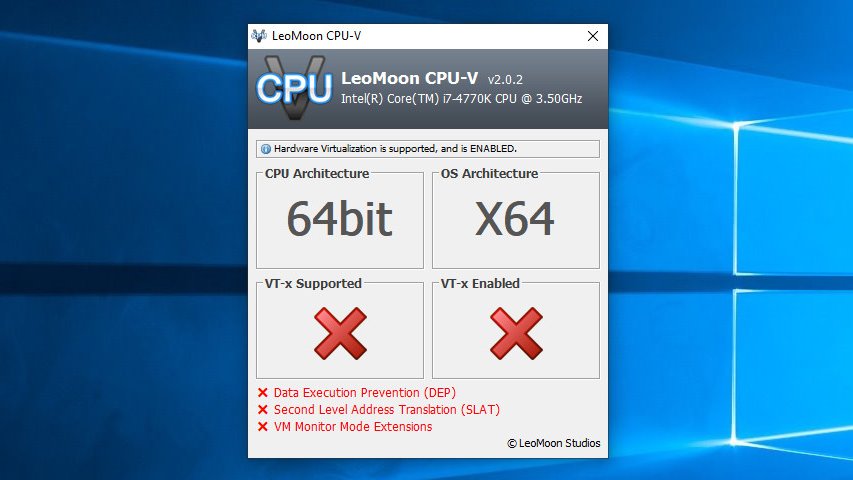
LeoMoon CPU-V is a Windows utility that reports whether your processor supports hardware virtualization and whether virtualization is enabled in your BIOS or UEFI firmware. It also displays related capabilities used by virtualization software, including Second Level Address Translation (SLAT), VM Monitor Mode Extensions, and Data Execution Prevention (DEP).
Features
- Reports whether hardware virtualization is enabled, disabled, unsupported, or could not be determined
- Displays CPU and operating system architecture
- Checks SLAT, VM Monitor Mode Extensions, and DEP
- Provides an interface in English, Chinese, and Persian
Authors
- Amin Babaeipanah
- Kevin Wu
Usage
- Download the latest release .
- Run the portable application or install it.
- Open CPU-V to review your virtualization status. If virtualization is supported but disabled, enable it in your BIOS or UEFI settings and check again.
System requirements
CPU-V 3.0 supports Windows 8 and later on 32-bit and 64-bit systems.
Supported platforms
- Windows: x86 portable ZIP and Inno Setup installer for 32-bit and 64-bit Windows 8 or later
Donors
Alexandra Sandoval Fotis Tsetris Isra Garcia Torre x2 Marcus Mann Mike Brophy Sanji Yapa
DonateSupport this project
GitHubLet’s improve it together
ChangelogSee what changed
Latest ReleaseDownload from GitHub